 SQLite Query Analyzer
A lightweight and efficient desktop utility designed to simplify the process of managing SQLite databases


Features
Cross Platform
Runs natively on Windows, MacOS, and Linux with full feature parity
Fast Query Execution
Easy-to-use interface for executing SQL queries with syntax highlighting
Table Data Editing
Fast table data editing with inline editing capabilities
State Persistence
Persists application state and reloads last session on startup
Data Export
Export database schema as CREATE TABLE statements and data as SQL scripts or CSV files
Theme Awareness
Desktop color theme awareness with automatic switching between dark/light themes
Command Line Interface
CLI for automation and scripting with support for CSV export and SQL execution
Screenshots
See SQLite Query Analyzer in action across different platforms and themes
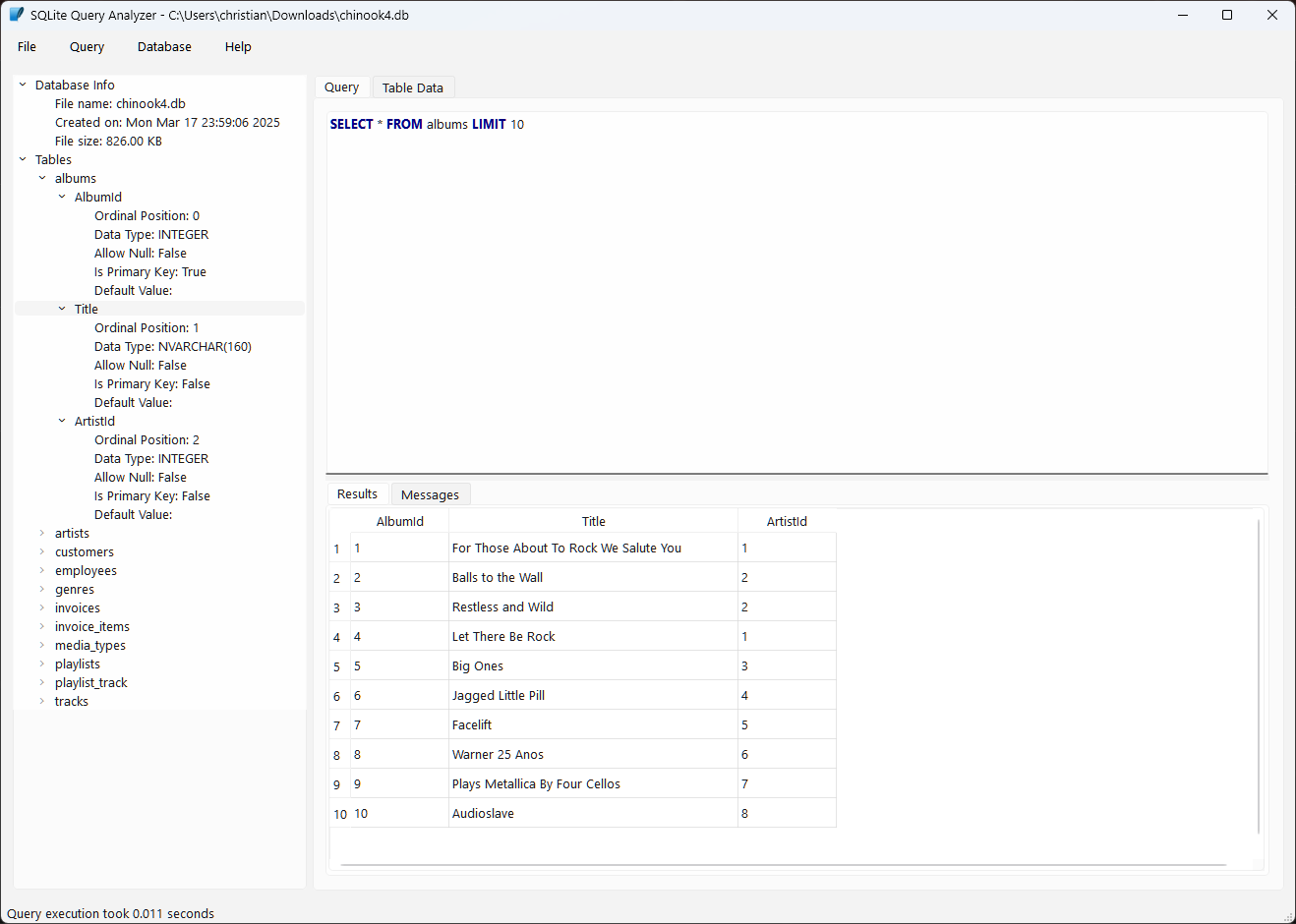
SQL Query Execution
Execute SQL queries with syntax highlighting and result display
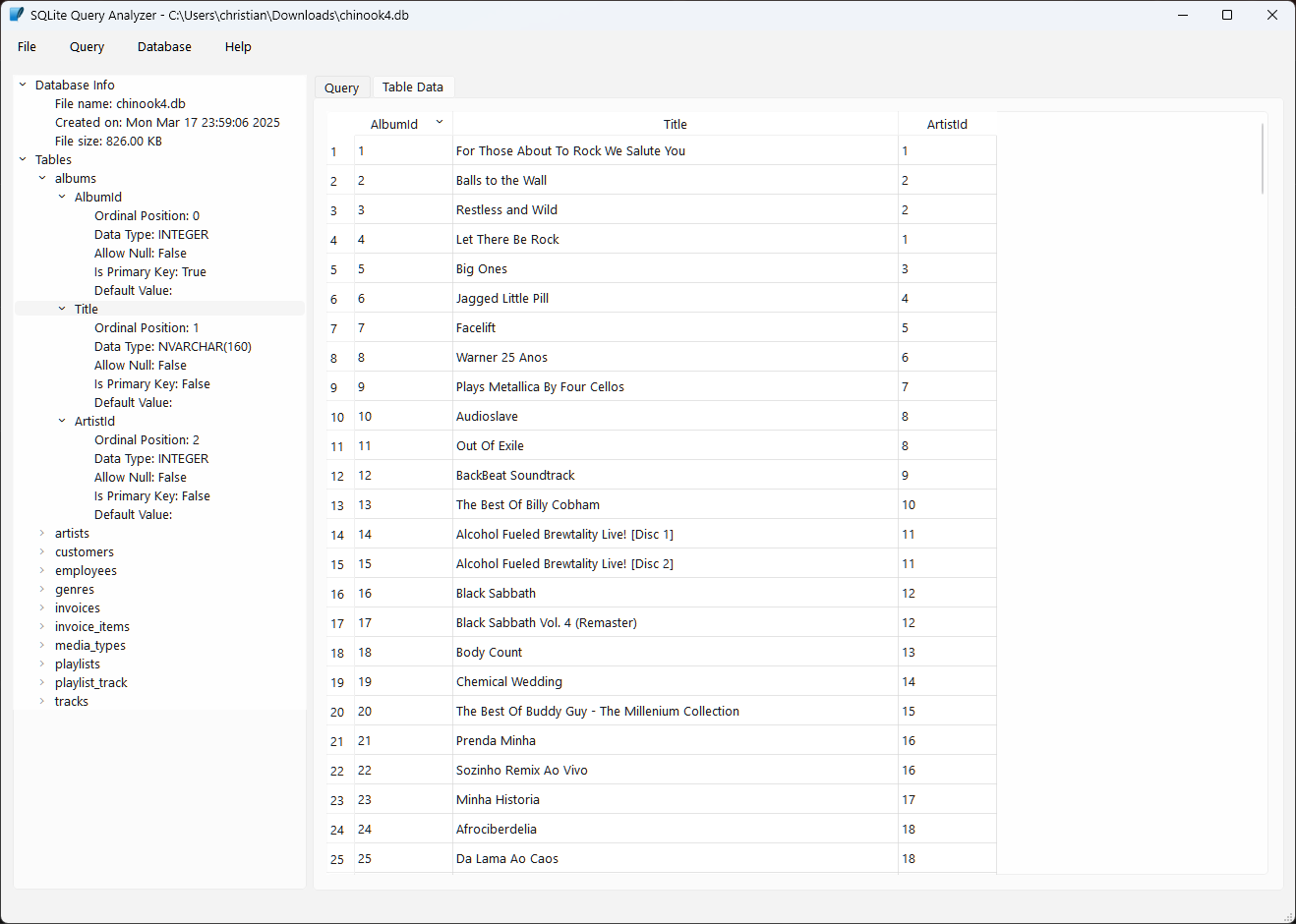
Table Data Editing
Edit table data directly with an intuitive interface
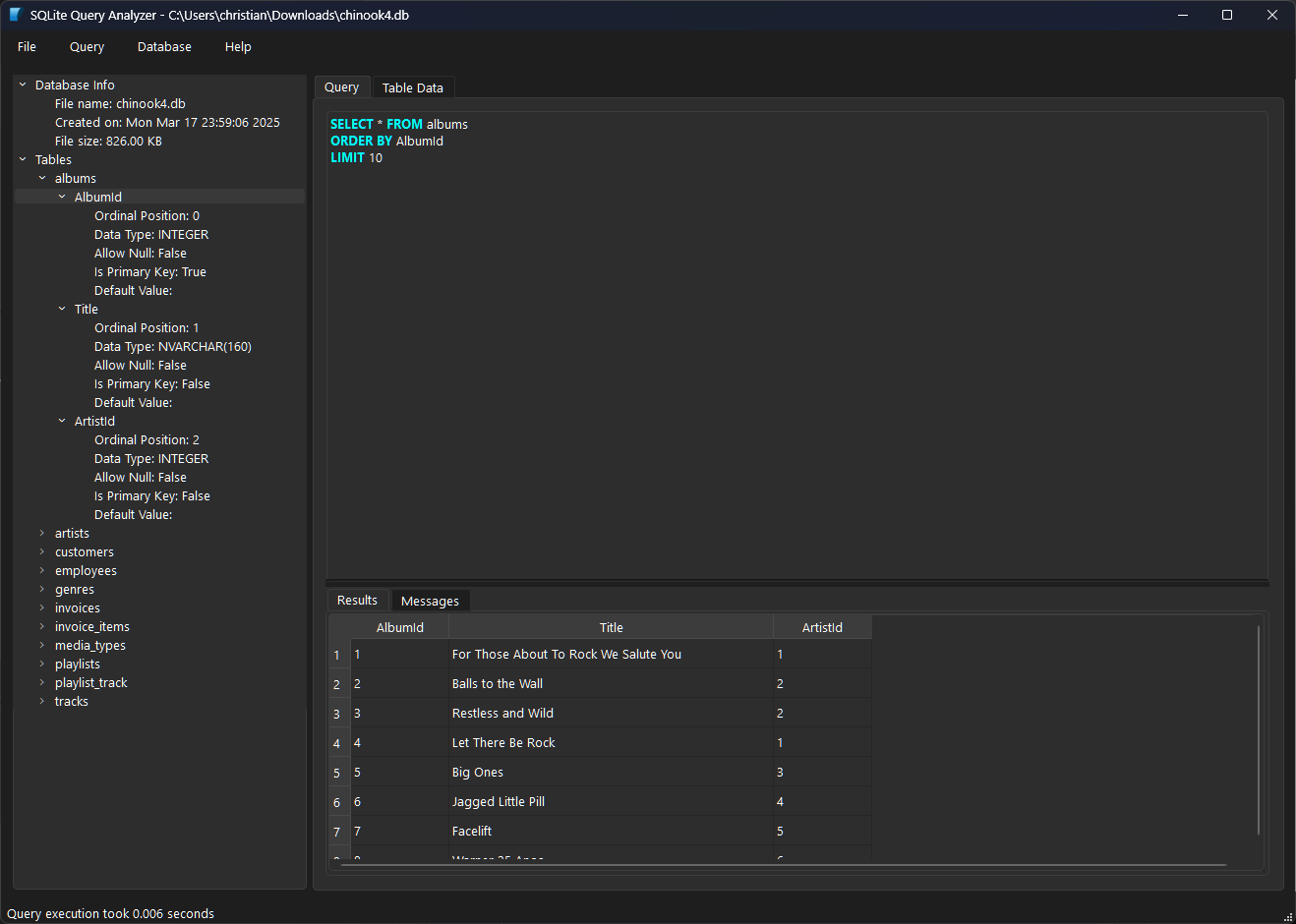
Dark Mode Support
Automatic theme switching with system preferences
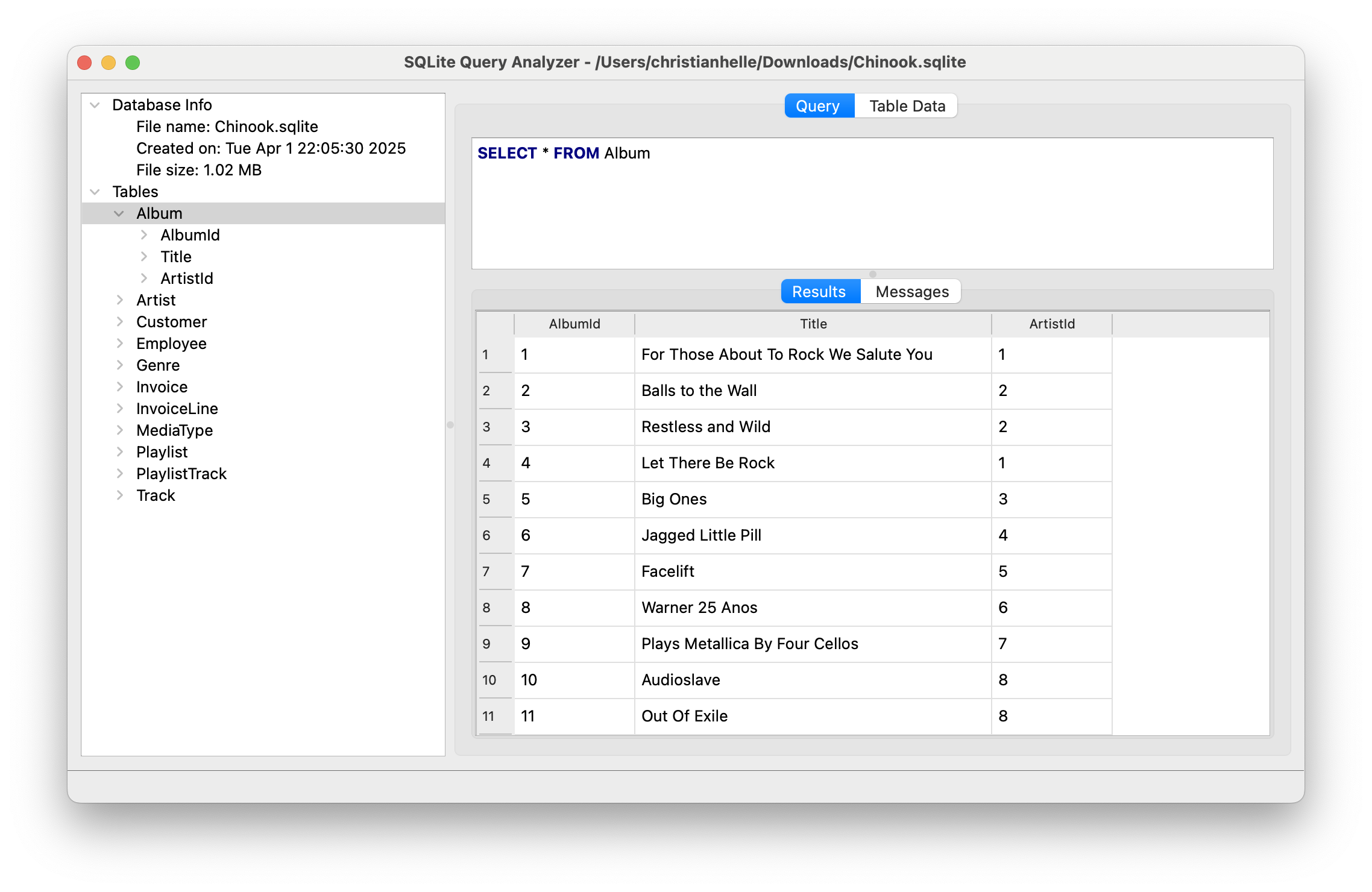
Native macOS Experience
Seamless integration with macOS design principles
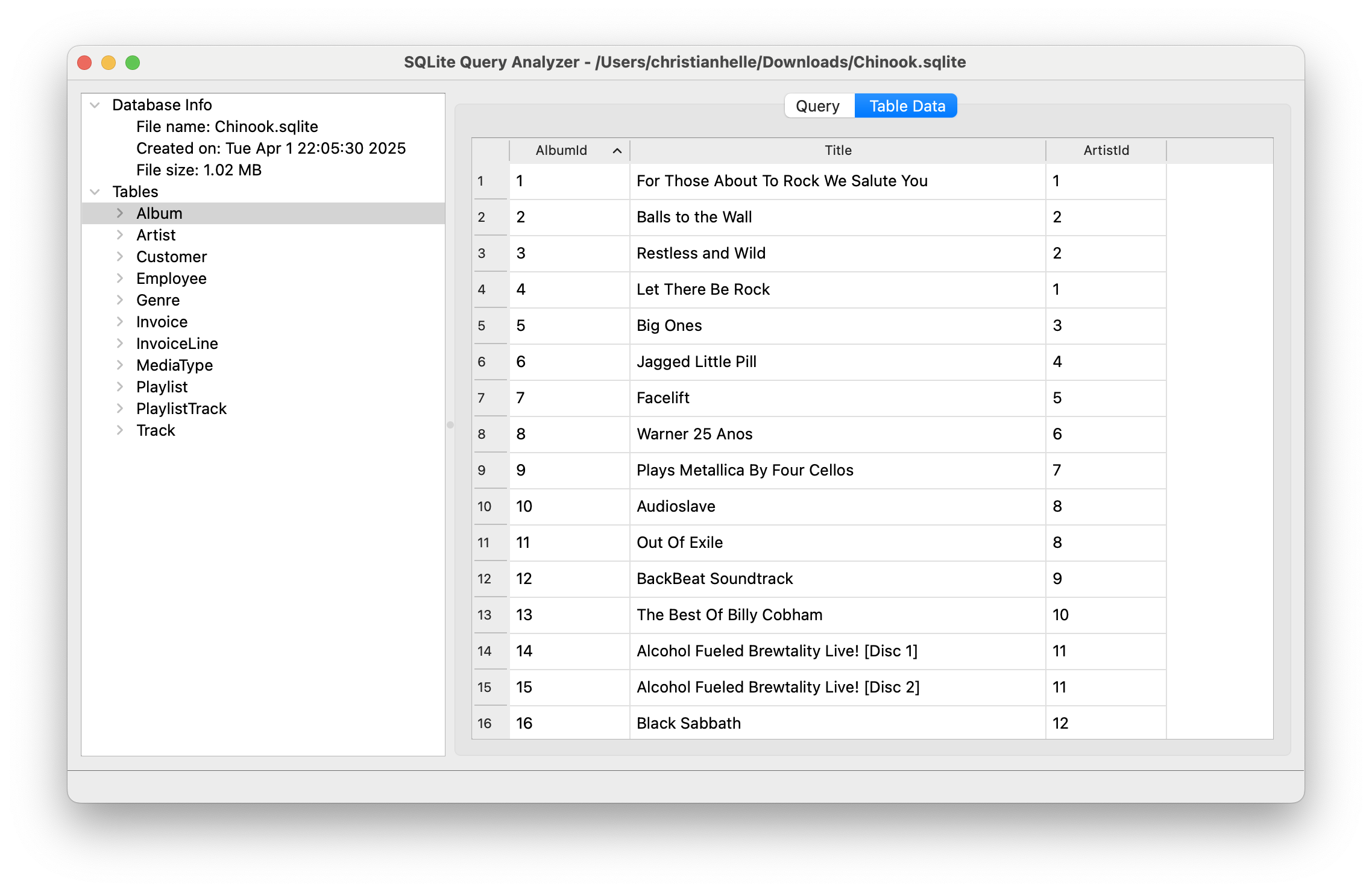
Cross-Platform Consistency
Consistent functionality across all supported platforms
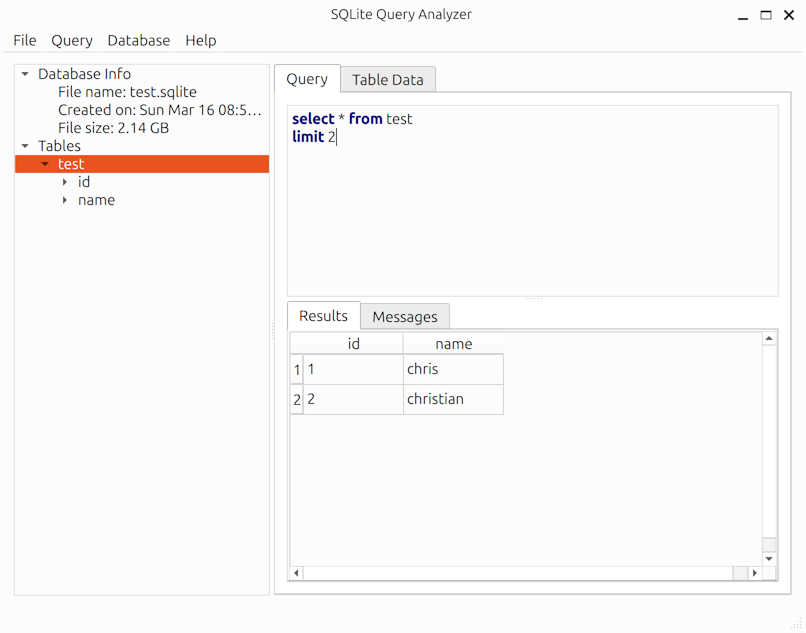
Linux Native Support
Full feature support on Linux distributions
Installation
Platform-Specific Notes
Windows
The installer will add SQLite Query Analyzer to your Start Menu and create a desktop shortcut. The PowerShell install script handles everything automatically.
macOS
Download the DMG file, open it, and drag the app to your Applications folder. The install script handles this automatically.
Linux (Ubuntu/Debian)
For manual installation, you may need to install dependencies first:
sudo apt-get update
sudo apt-get install -y libqt6gui6 libqt6core6 libxkbcommon0
Then download and run the Linux binary from the releases page.
Usage
GUI Mode
# Open a database file in GUI mode
sqlitequery /path/to/database.db

# Or launch GUI and use File > Open to select database
Command Line Mode
# Export all tables to CSV files
sqlitequery --export-csv /path/to/database.db

# Export with progress indicator
sqlitequery --export-csv --progress /path/to/database.db

# Export to specific directory
sqlitequery --export-csv --target-directory /export/folder /path/to/database.db

# Execute SQL script
sqlitequery --run-sql /path/to/script.sql /path/to/database.db
Ready to start managing your SQLite databases?
Download NowBuilding from Source
Prerequisites
- Git
- CMake 3.16 or later
- Qt 6.4.2 or later (6.11.2 recommended)
- qt6-base-dev (Qt6 development packages for building from source)
- libxkbcommon-dev (XKB development library)
- Make (Linux/macOS)
- PowerShell Core (optional, Windows)
Quick Build
# Clone the repository
git clone https://github.com/christianhelle/sqlitequery.git
cd sqlitequery

# Build using the Makefile (Linux/macOS)
make

# Or build using PowerShell script (Windows)
pwsh build.ps1
Manual Build
# Linux/macOS
make

# Create installable packages on Linux
make package

# Install a symlink to ~/.local/bin on Linux
make install

# Windows (adjust Qt path as needed)
cmake . -DCMAKE_PREFIX_PATH=C:/Qt/6.11.2/msvc2022_64 -DCMAKE_CXX_STANDARD=17 -B build
cmake --build build --config Release